
Go Anywhere.
Play Everywhere.
Game-changing hardware that plays anywhere.


Made for play, made for all.
Instant Play
Plug-and-play simplicity.
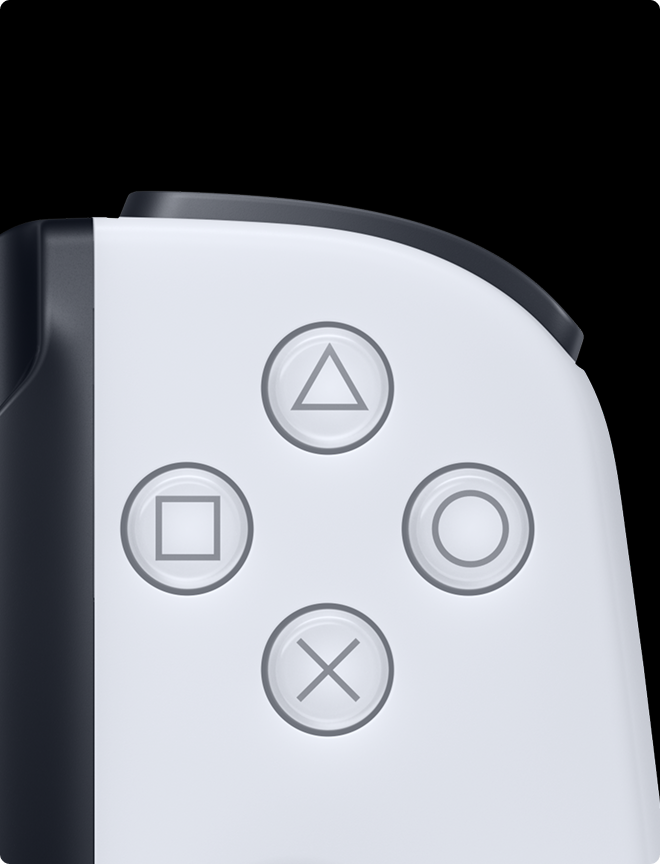
Easy to use controls
Familiar layout with low latency.
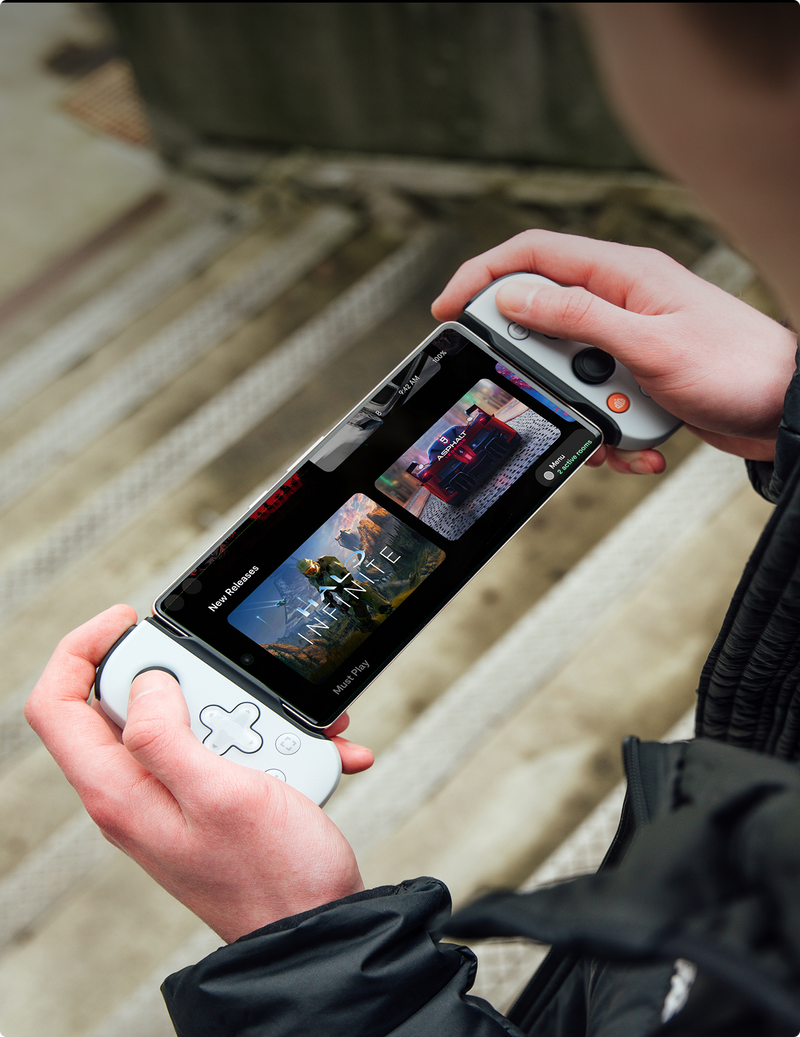
One app. All your games.
Launch your games with the Backbone button.
Familiar layout with low latency.
Launch your games with the Backbone button.
Connect to limitless gaming


Choose your player


Backbone One
Take your games with you wherever you go.

Playstation® Edition
Inspired by the PS DualSense™ wireless controller.

Xbox Edition
Move between screens, games, and platforms like magic.
Choose your next adventure


One FAQs
The Backbone One controller is the perfect match for all your favorite games that are downloadable on the App Store and Google Play Store and support controllers.
This includes popular titles like Call of Duty®: Warzone Mobile, Genshin Impact, Stardew Valley, Roblox, and Minecraft. View our top titles and curated picks.
If you own a console or PC, you can utilize remote play apps offered by Xbox, PlayStation and Steam to play all the games you already own while on the go.
If you don't own a console, connect to a cloud streaming service like Xbox Cloud Gaming, NVIDIA GeForce NOW, and Amazon Luna to unlock hundreds of games on the go.
Check our games library for a full list of compatible titles.
No! You do not need a PC or Xbox to play thousands of awesome games. You can play any controller-compatible games on the App Store and Google Play Store and access cloud gaming services like Xbox Cloud Gaming and NVIDIA GeForce NOW. A console or PC is only required when remotely playing games installed on a console or computer.
For example, a PlayStation console is required to use PS Remote Play as the game is installed and running on the PlayStation itself and streamed via the internet to your phone. See our Xbox Remote Play, PS Remote Play, and Steam Link pages to learn more about remote play.
Check out the Platforms page to learn more about the different ways to play on Backbone.
New magnetic adapters on Backbone One (2nd Gen) click into place and support most cases available today, ensuring minimal wait time to lock in and play anywhere.
Check out all the cases we've tested and know fit here. For a guide on swapping your adapters, check out our help center article.
In your Backbone’s box, you'll find your controller with pre-installed adapters and an additional set of adapters inside the lid. These adapters connect to your Backbone magnetically, so you can swap or remove them anytime.
Aside from its black color, the Standard comes with ABXY face buttons. The PlayStation Edition comes in a PS5-matching white with PlayStation glyphs to match.
Note that on Android, only the PlayStation Edition is officially supported for use with PS Remote Play.
Our products comply with all relevant regulatory standards and certifications:
- FCC Certification
- CE Marking
- RoHS Compliance
- WEEE Registration
For detailed compliance information, please contact our support team.

